Below are the steps that will go through the install WINDOWS
8:
1. Make sure your computer's BIOS boot in the settings for
the DVD.
2. Insert the DVD windows 8.
3. Press any key to boot from dvd when it appears.
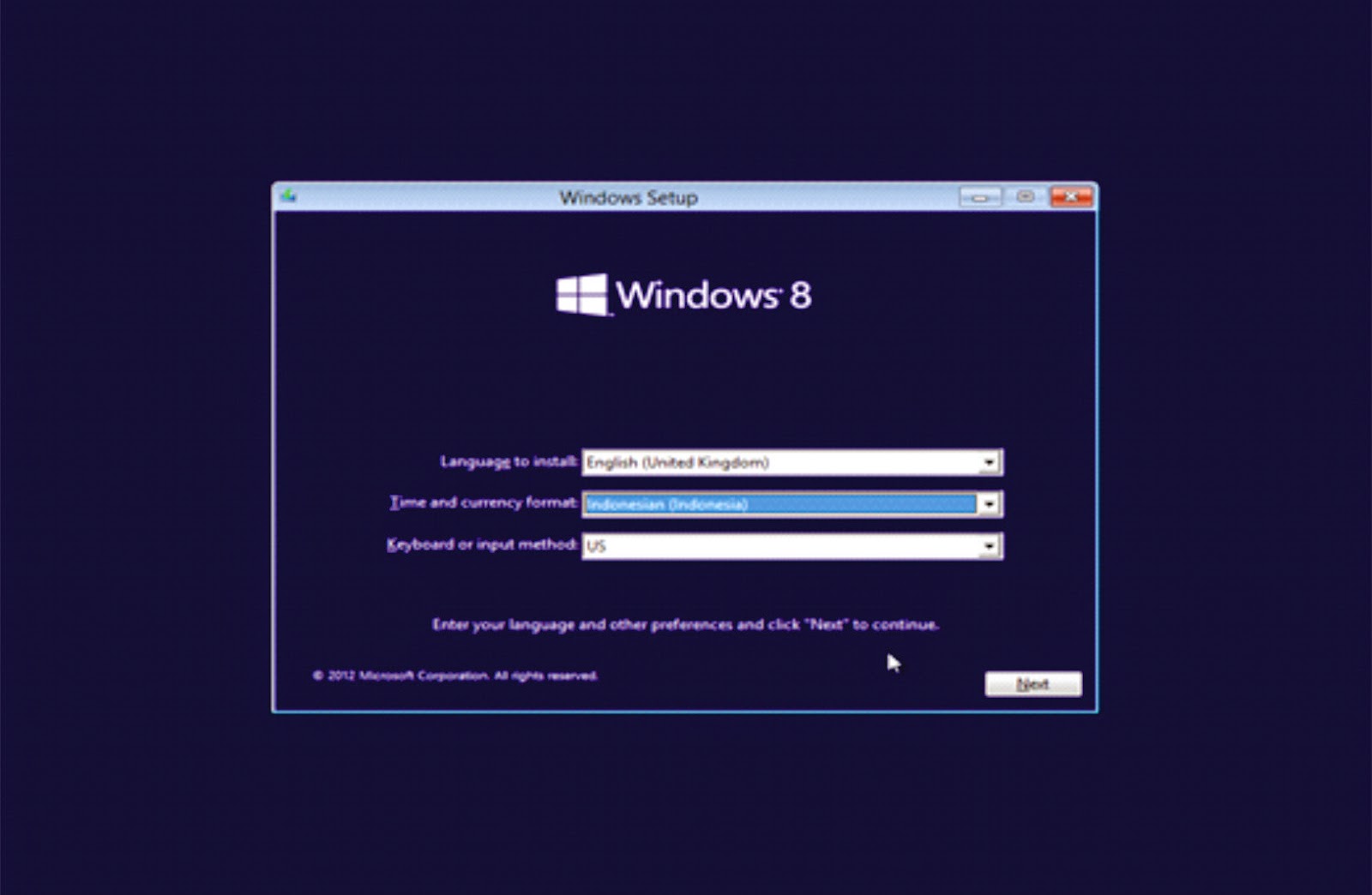
4. Choose the installation on Language and language, time, currency, and location. 5.Press the
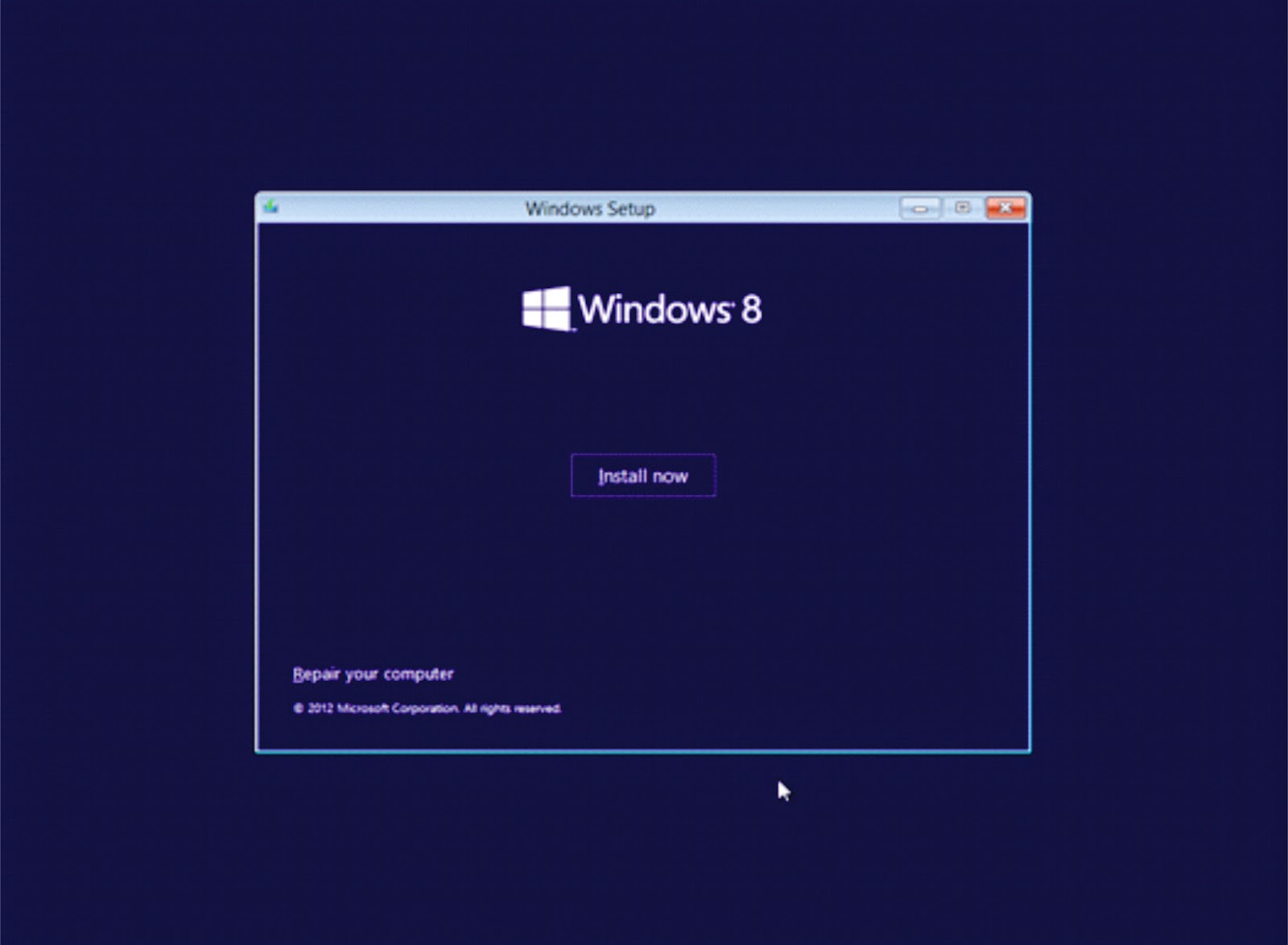
install button, if you just want to fix the
windows could select repair.
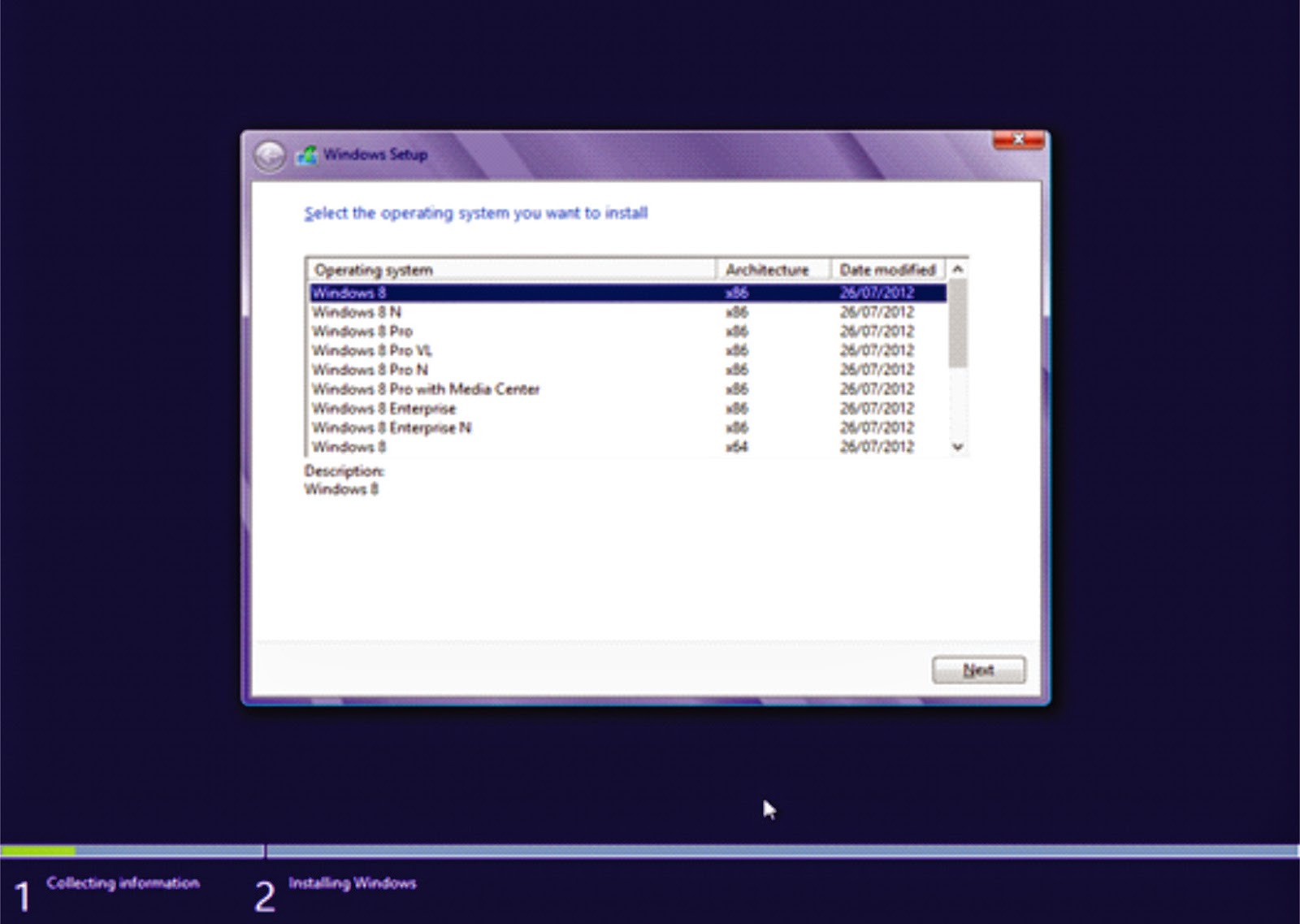
6.In this process we can choose the
type of windows 8 that we want, then select next.
7.Check
the I accept the license terms as the approval for use
of windows 8 and then click next.
8. Just
select custom (advanced) to select the drive
where Windows 8 will be
installed, if Only upgrade windows can select upgrades.
9.You can set
the partition on the drive once this step, I
suggest you divide your hard drive at least 2 drives, one for the
drive to windows 8 (C) and one drive for
data (D) to select the
drive option, or just press next on the assumption you will partition
the hard drive after installation of windows 8 is
complete.
10.Wait
a few moments of this process.
11. Wait
a few moments of this process.
12.Windows
will automatically restart.
13. In this process we can give the
color and the name of your computer's content, for
example: Yudho, when it hit next.
14. In this process,
choose express settings to use the default.
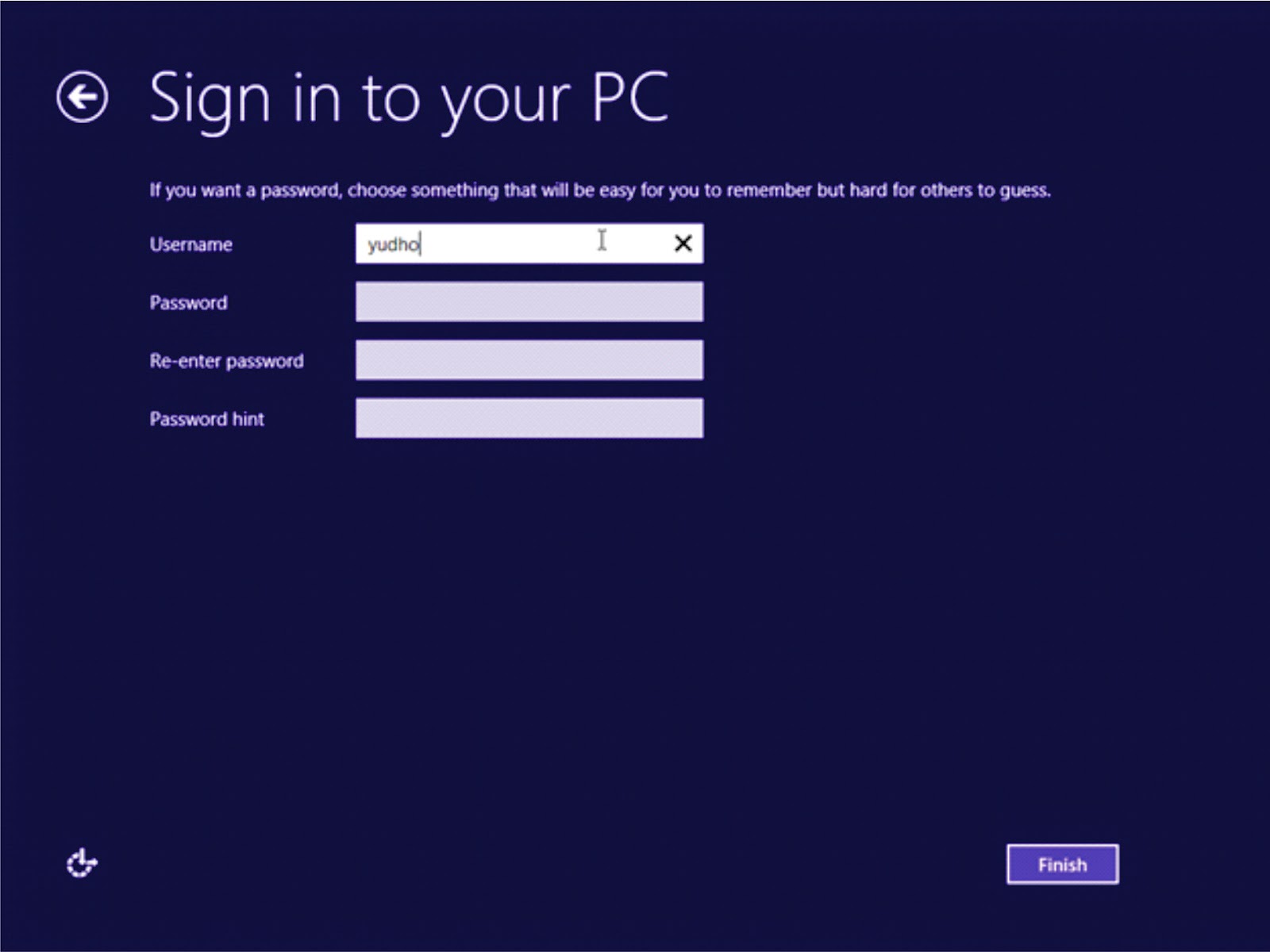
15.In this process we can give you the
name of a user's content if you want to give the password
can be given a password in this process, for
example: Yudho, when it hit next.